Translated with AI from the Russian original.
Russian developer MyOffice has updated the Mailion corporate mobile mail client. Update 2.3 has improved the application's functionality and ease of use. This includes redesigned mechanisms for client interaction with the corporate mail server.
The application now establishes a pool of connections - instead of creating new connections each time an email is opened, existing connections to the mail server are used. As a result, the loading speed of emails in the client interface is now 2.5 times faster.
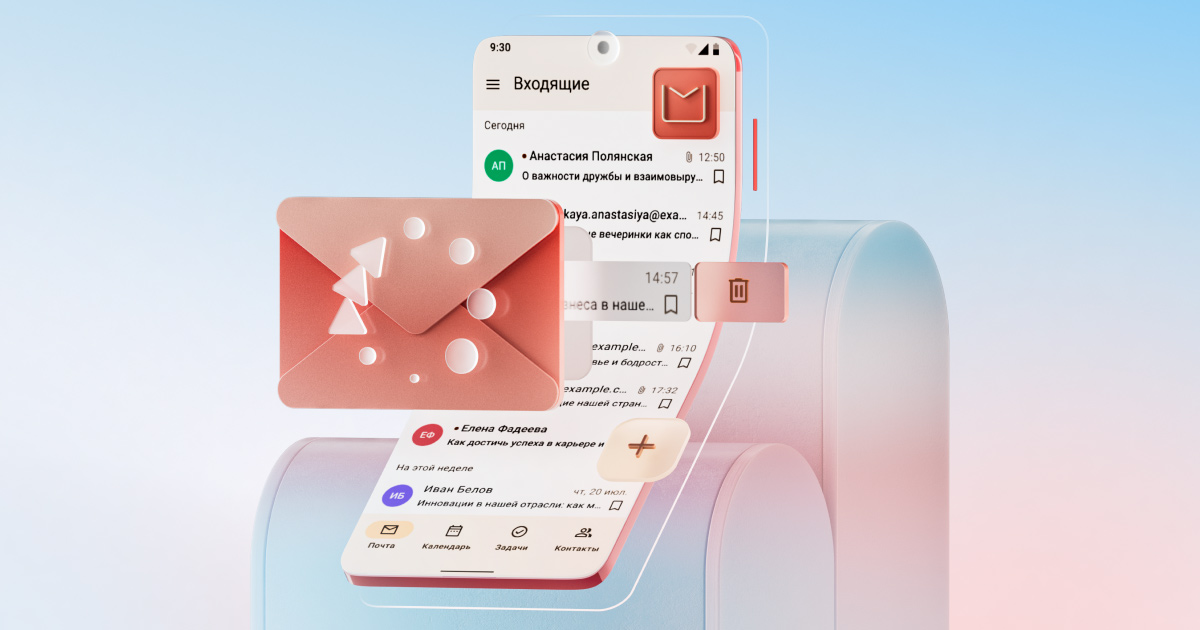
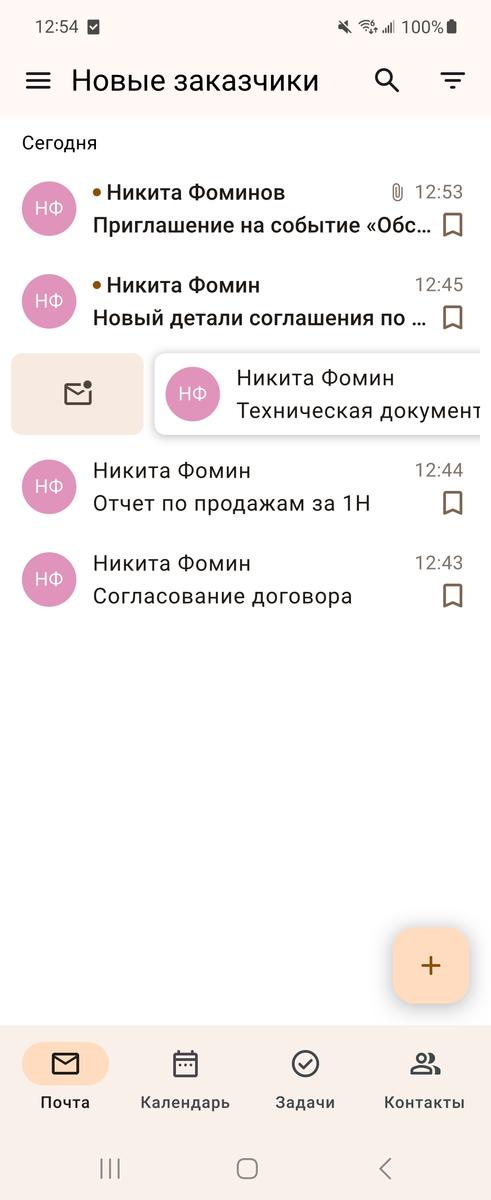
The ability to manage emails with screen swipes has been added. Now, to move an email to the trash, simply swipe it from right to left. And by swiping in the other direction, from left to right, you can mark the email as read or unread.
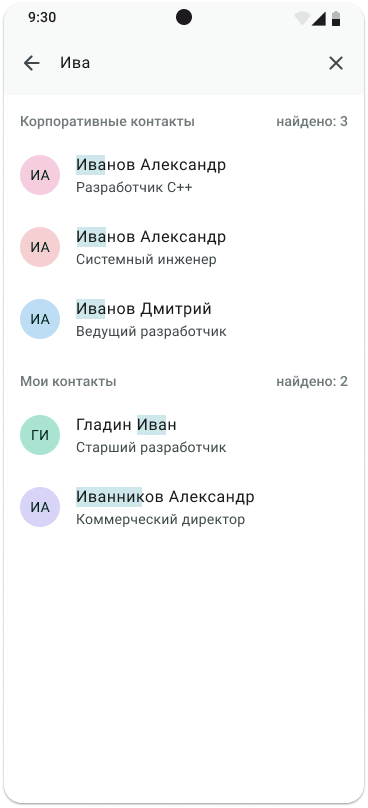
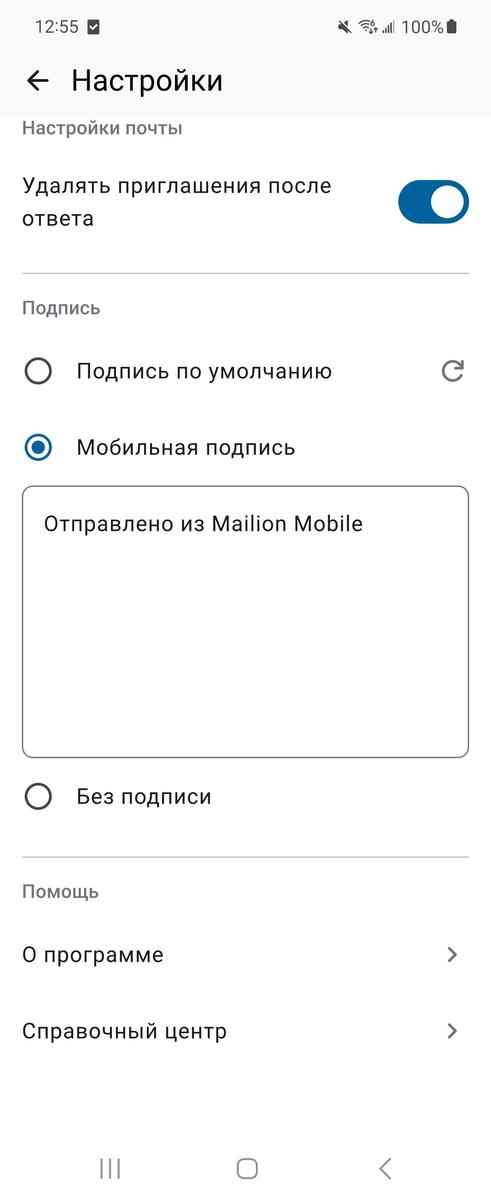
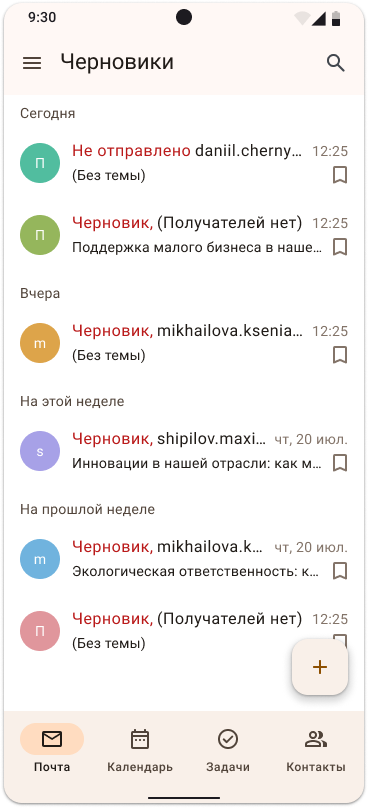
The ability to use your own address book and work with records in it has been added. Emails with an error in the email address are automatically saved to drafts with the label "Not sent". Users can now also choose the type of signature in the outgoing email. Pressing the "Default Signature" button inserts the corporate signature set on the mail server. It is also possible to create a new mobile signature or send a message without a signature at all.
On mobile devices with Android 13, iOS 18 and above operating systems, the application icons adapt to the selected themes. In addition, the design of the icons has been changed.