A joint event by OCS and "Aktiv," a Russian manufacturer and developer of software and hardware for information security. Today we are talking about solutions under the Rutoken brand - products for authentication, electronic signatures, and security of cyber-physical systems.
Event program: main products; two-factor authentication; truly mobile electronic signature; Rutoken base; system access control and management.
The event is attended by Andrey Ignatov, Product Manager and Valeria Valetina, Corporate Account Manager.
Andrey Ignatov, an employee of "Aktiv," began to talk about what products the company has, based on what solutions, and what can be built on them.
Main products
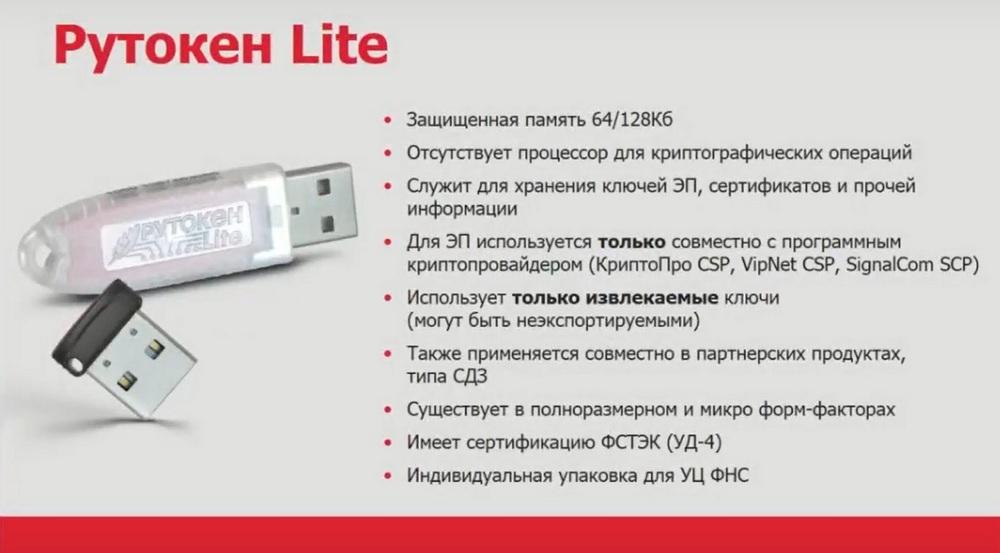
The first product is Rutoken Light. This is a token without a crypto core, which cannot generate keys for electronic signatures itself. It can only store what the program's crypto provider has generated for it. A new version of Rutoken Light has now been released. This is the Rutoken Light 10.10 version, which has 64/128 KB of memory.
The Rutoken EDS 3.0 line is a new line that replaces the Rutoken EDS 2.0 line. The new line has 128 KB of memory.
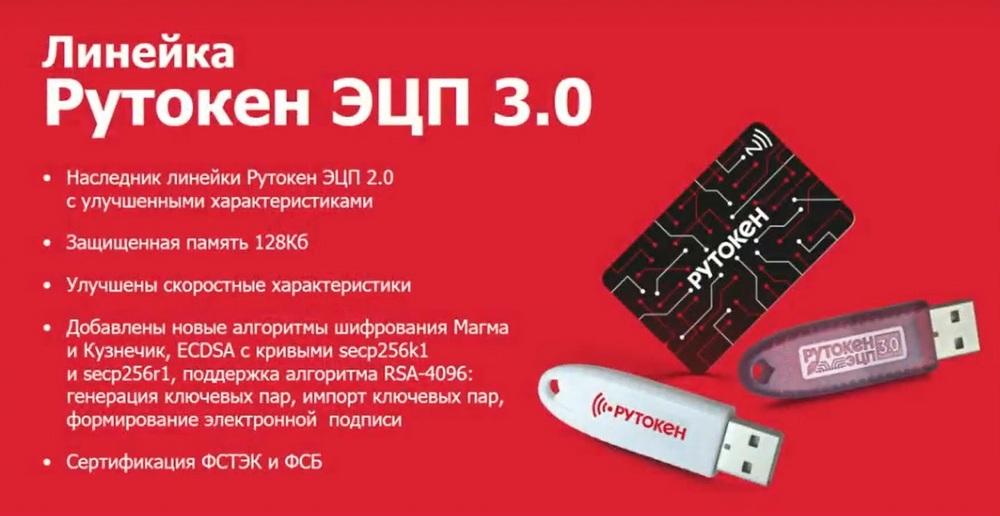
In some models, there is even more memory, up to 160 KB. There are new algorithms, new improved speed characteristics. On certain representatives of this line, you can even hash documents without losing performance compared to a computer. Hashing is a mathematical algorithm that is applied to documents of any size. And the client's megabytes can be run through this tiny token, it will translate them into a numerical sequence of size 256 or 512. These tokens are certified by the FSTEC and FSB.
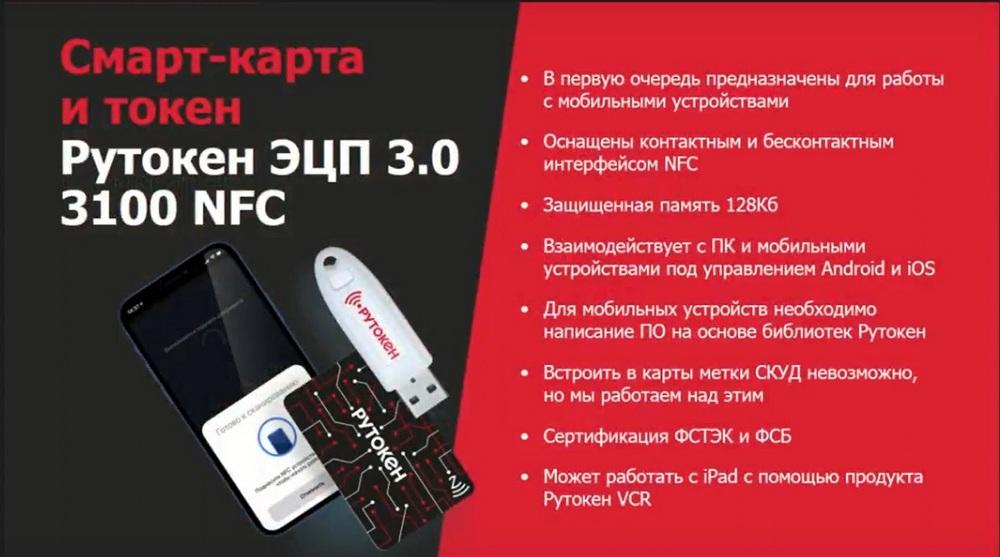
There is a standard token, a workhorse - this is Rutoken EDS 3.0. And there is an non-standard extended version of it - this is the Rutoken 3.0 3100 NFC smart card with an NFC interface. They allow you to sign electronic documents when connected to mobile devices with an NFC interface using this device. Please note: the card or token signs. But you attach this card or token to the device, the keys of your electronic signature are inside this card or token. They are constantly with you. And in this way, you can sign the necessary documents.
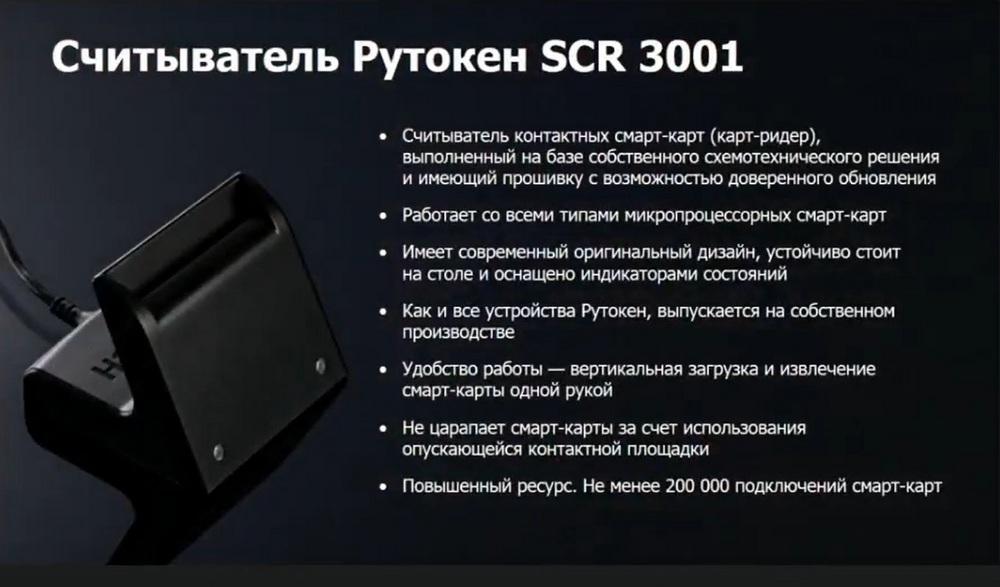
The Rutoken SP 3.0 SCR 3001 reader is used in pairs with Rutoken 3.0 NFC smart cards and the older Rutoken 2.0 contact smart card. An NFC reader is also expected, but so far it is our own production. It does not damage cards, is certified by the FSTEC because it has a replaceable firmware.
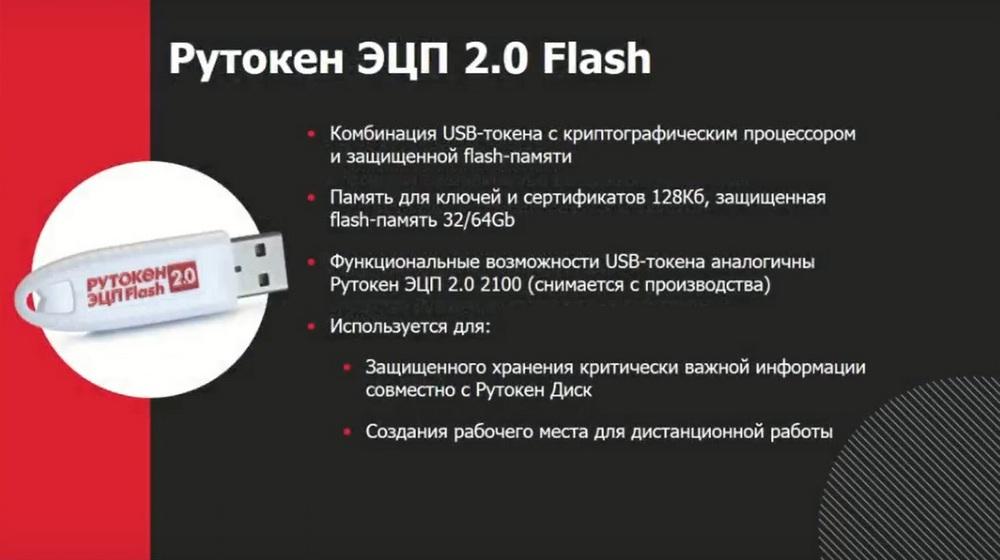
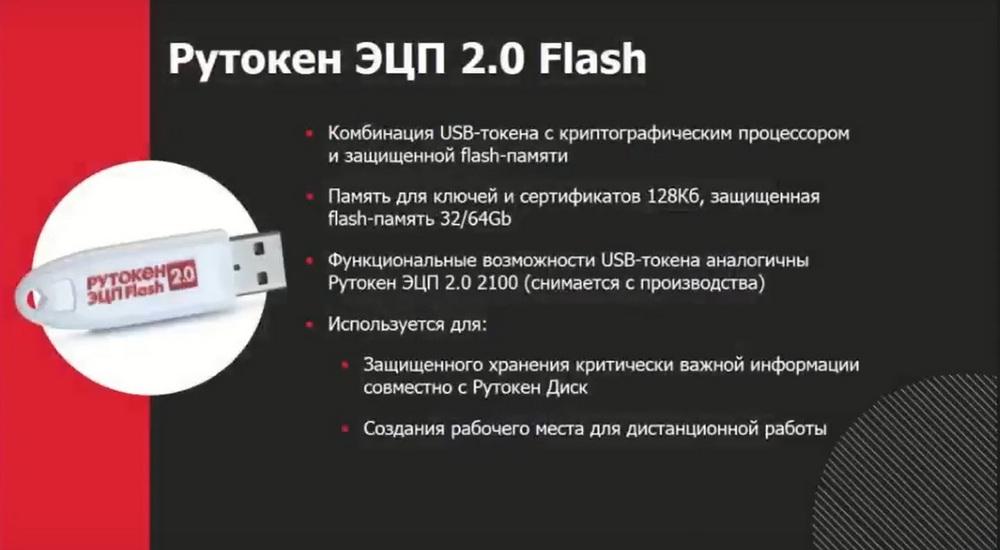
And representatives of the older Rutoken EDS 2.0 flash line, which is being replaced by Rutoken SP 3.0 flash. This is a combination of a USB token with a cryptographic processor and secure flash memory. This is a regular token, it is also fast, because it was once the fastest in the Rutoken EDS 2.0 line, now it is comparable in speed to Rutoken EDS 3.0. It also has 128 KB of memory, which used to be unusual. But a flash drive with a volume of 32 or 64 GB is installed there at the factory. And this flash drive has protected memory. That is, when the token is connected, after entering the PIN code, access to the sections may change. For example, initially access to the sections was hidden, after connecting the token, access appears for reading and writing.
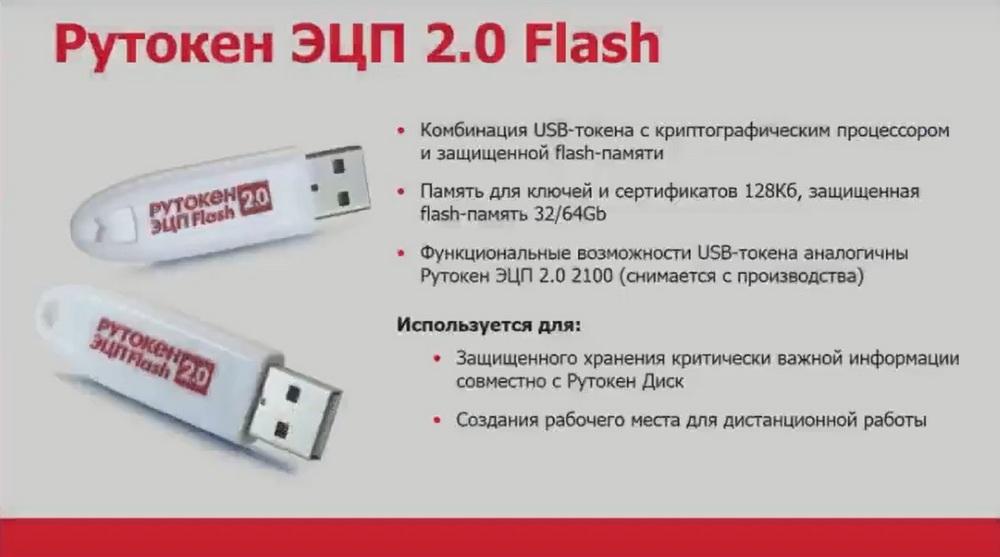
Thus, you can create hidden sections that will be activated and give you the ability to store protected files on them, available only when using the token.
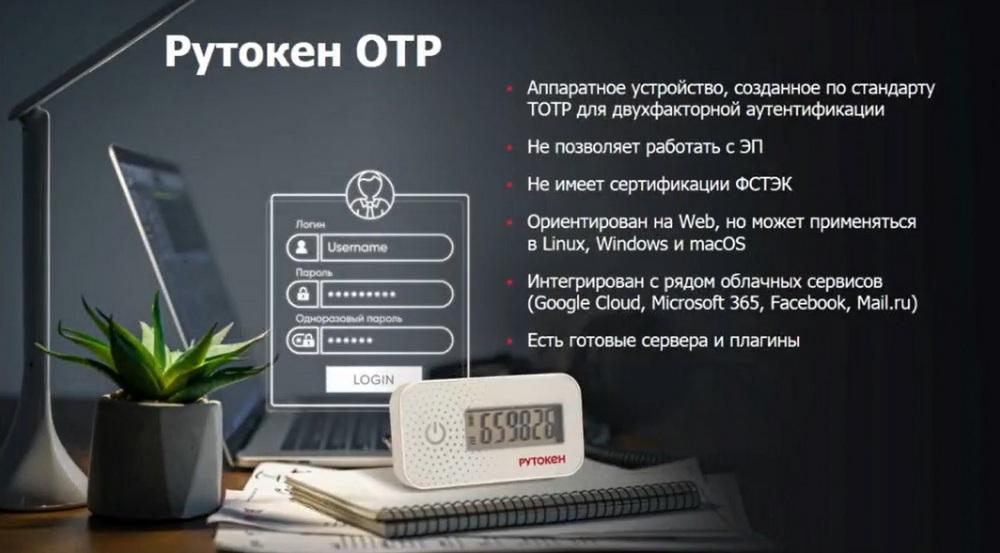
A relatively new (about a year old) product is Rutoken UTP - this is a standard token with a screen, working according to the TOTP standard with two-factor authentication, which uses a code that changes every minute. It can be used in all cases where Time UTP is used. It is used strictly only for two-factor authentication. It cannot have any other uses. It is not used for signing documents. You can use it for authentication to enter the signing system, but only that. It cannot independently generate an electronic signature.
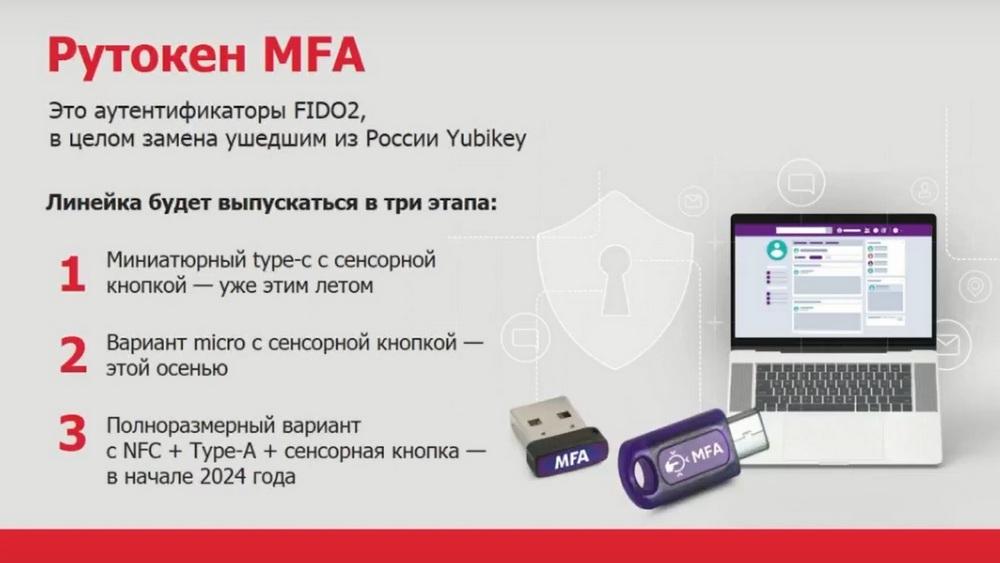
And a new token called Rutoken MFA. This is an authenticator that supports the FIDO2 protocol. The essence of Rutoken MFA is that it, just like regular tokens, allows you to implement the ownership factor. The line will be released in three stages: 1) Miniature type-c with a touch button – this summer. 2) Micro version with a touch button – autumn 2023. 3) Full-size version with NFC + Type-A with a touch button in early 2024.
It works with all services that have already implemented this standard. And its implementation under the corresponding protocol. For example, this is Mail.ru or VK, Yandex and foreign services, some of which are prohibited in Russia. Plus, you can make your own authentication system. There are currently two options. You can connect to both mobile devices based on Android and computers. It has a contact pad on the side, where the finger is drawn.
To authenticate, you just need to touch this pad. There is a micro full-size size. There, it is inserted into the computer in the same way and you need to touch it. These two tokens are already available, you can get them for testing.
Two-factor authentication
A classic electronic signature can be qualified, unqualified, but strengthened with cryptography, this is what tokens were created for, and what, of course, will always be used with their help. This is the signing of documents in internal document management, personnel external document management, in regulatory document management, for example, when submitting reports, when marking alcoholic products, signing takes place everywhere, and Rutoken can be used everywhere.
Now let's talk about additional things. And the first solution is two-factor authentication, this is what tokens and smart cards have been used for a very long time, but in our country, strangely enough, they are not widespread. Although Orders 17 and 21 directly force the use of two-factor authentication. And a number of other regulatory documents. This is for state information systems access and access for working with personal data. And other "regulations" also explicitly require the use of two-factor authentication.
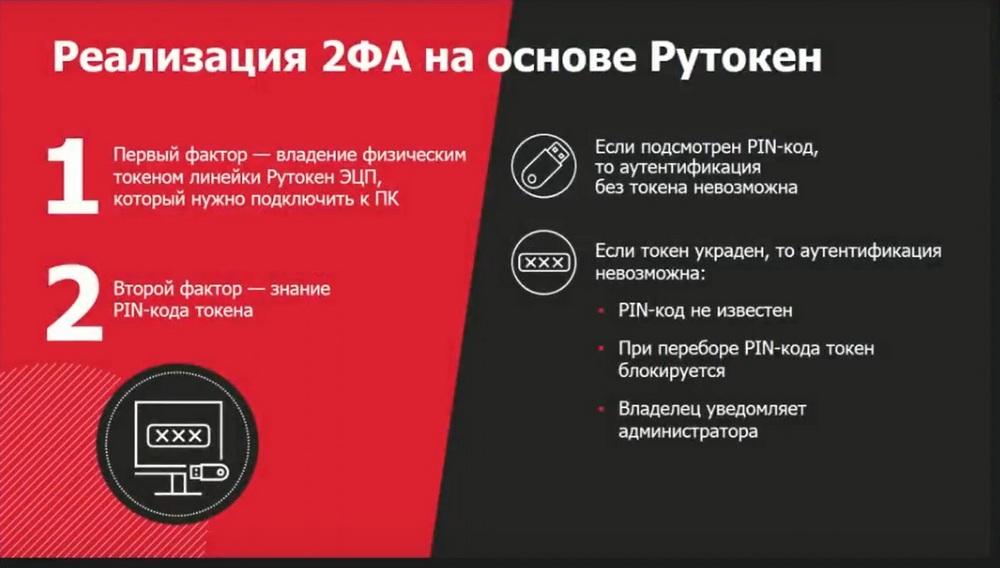
When you implement password protection, the password is an intangible thing, it is data, it is knowledge. You know the password, but it is easy to steal, easy to spy on, intercept, etc. If the password is stolen, then the attacker can access resources and do what he sees fit without you, without the legal owner. And you will never understand that the attacker has the password. You often may not even realize that the attacker is using it. Therefore, what is needed to make password protection reliable? Two-factor authentication is needed. At the same time, two factors are introduced. The first is the ownership factor, when I have a physical device, in this case it can be Rutoken. The second factor is knowledge. In this case, it is knowledge of the token's PIN code. If earlier there was one factor: knowledge of the password, now there are two. In different cases, these different factors are implemented differently, we will talk about the most reliable way in my opinion.
A person comes with their token, connects it to a computer with Windows or Linux OS. The system prompts them to enter a password. After the password is entered, in this case a PIN code, the authentication process is performed. It is performed using electronic signature technology. What is the protection here? If an attacker has seen your PIN code, it will not give them anything. Authentication without a token is impossible. If you lose the token, it's not a big deal. Because the PIN code is unknown. Attempting to guess the PIN code when the number of allowed attempts is exceeded will result in the token being blocked. And if there is an attacker who steals your token and sees your PIN code, you will discover that the token is missing, you will notify the administrator, and they will block access. That is, we are moving away from an intangible factor, from a password that is easy to steal unnoticed, to a token that is impossible to steal unnoticed, because it is a tangible thing.
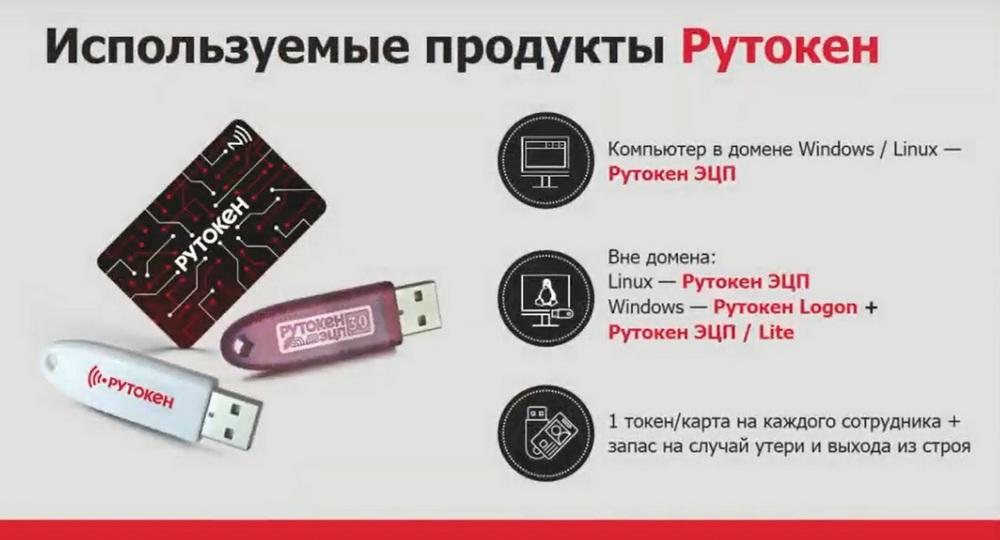
If authentication is implemented on a computer and the computer is in a Windows or Linux domain, then Rutoken EDS is used. For configuration in a Windows domain, there is a separate document - Rutoken for Windows. It is available on our Rutoken website.
If you have authentication outside the domain, then Rutoken EDS is required for Linux. If Windows is used, it does not support two-factor authentication outside the domain. Therefore, we created our own component - Rutoken Logon. This is a software product that is installed on each computer separately, which are not in the domain. And it already needs a separate Rutoken EDS or Rutoken Light token.
Plus, we recommend that in addition to buying one token or one card for each employee who will perform two-factor authentication, it is better to take it with a margin, in case of loss or failure. Ours rarely fail, they fail because they are long and stick out of a laptop or computer, and a person accidentally catches and breaks it.
Who can this be offered to the customer? First of all, to the information security service. For IT specialists, two-factor authentication is something that requires additional resources and some additional actions from them. If they can do without it, then they don’t really need it. But it is important for information security specialists. Compliance with "regulations", they will be punished for this if something happens due to the lack of adequate protection. Therefore, first of all, you need to contact the information security service and convince them that they cannot do without "two-factor authentication". And refer to the "regulations" at the same time.
Truly mobile EP
Another option is a truly mobile signature. We have Rutoken EDS 3.0 3100 NFC cards and the same tokens. Different people have a need to sign documents not in the office, but using mobile devices. These can be employees, directors who are on a business trip or on vacation, etc. They need to attach a card to their smartphone in any place, or dial a code, and sign the document. These can be emergency service employees, for example, ambulance or just doctors who went to a patient's call, and they need to fill out an electronic sick leave, write an electronic prescription and sign it all with a qualified electronic signature. These can be teams of repairmen who have completed, for example, the repair of power lines and signed in the log about the work performed. So as not to write all this on paper in the office. With the help of these cards and these tokens, we make a mobile electronic signature, the keys of which are always with you. They are always in your pocket, in your wallet, on your keychain, if it is a token. You attach it to your smartphone and sign the document.
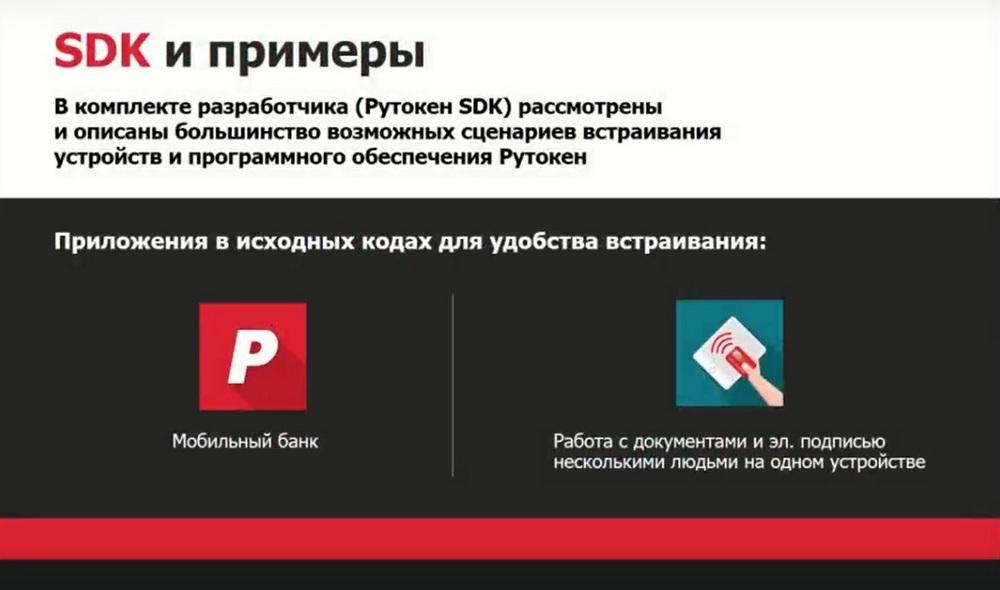
In order for this to work, the application on the mobile device must support the corresponding token. Such applications must be created independently, or taken ready-made. If you are doing a project for a customer, then it is worth writing an application for them. We work with tablets and smartphones. The main thing is that there is an NFC interface. If there is no interface, but the tablet is Android, we can use the contact interface through an adapter and stick a token into it.
We have our own Rutoken SDK. There are ready-made examples, such as a mobile bank. Based on these examples, which are present on our hub, it is possible, with the help of consulting our engineers, to build your own applications for the customer. Wherever an electronic signature is required in the log, and it is difficult to do this, for example, for miners, it is much easier to implement this with the help of secure devices. Here they have been briefed, the card hangs around his neck or on his belt, he passed, attached the card, entered his individual PIN code and went on. You can simply put the phone on the aisle, everyone will pass, attach it, and this will mean signing an electronic signature that they have been briefed.
Who else can you offer? First of all, to IT departments. But, if there is something specific there, i.e. emergency ambulance services. There are, however, regions where this is handled by the Ministry of Digital Development. If these are installers and miners, then it is quite possible that the interested service will be Labor Protection or the Internal Documentation System. That is, where there are problems with maintaining paper logs, you can easily close all their problems with maintaining logs and signing documents. They cannot perform full automation, because they require a manual signature of people, and we offer them a simple option. A record in the log is a record in the database. You can write such an application very quickly. Writing a server application that will track this is very easy and simple. And this is how a serious and critical task for enterprises is solved.
Rutoken Base
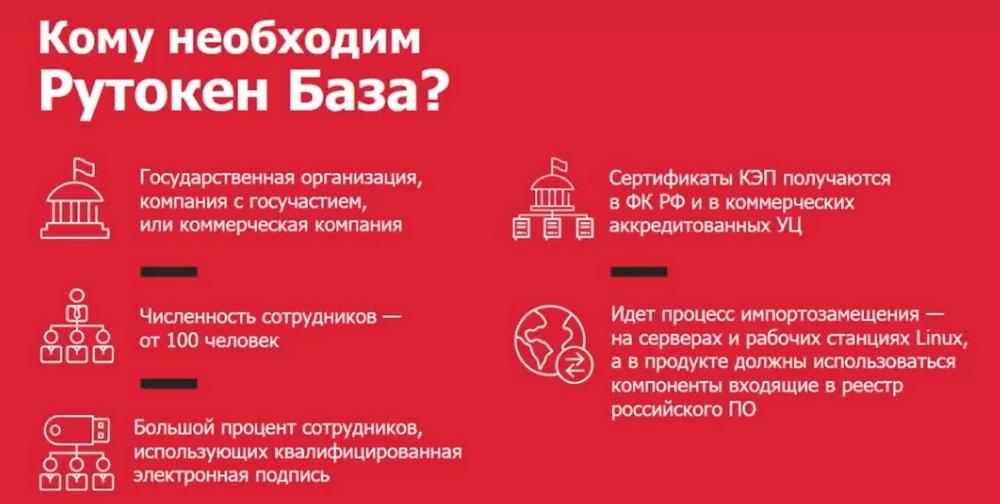
The new product is called Rutoken Base. This is a product that is responsible for accounting for cryptographic information protection systems (CIPS), information protection systems (IPS) of key pairs, key documents and certificates. The fact is that, on the one hand, regulatory authorities require all companies, especially government organizations, to keep records of them, organize their KZS (cardographic protection body) and OKI (owner of confidential information), and maintain reporting documentation in accordance with the requirements of order 152 of FAPSI. FAPSI no longer exists, but the order lives on.
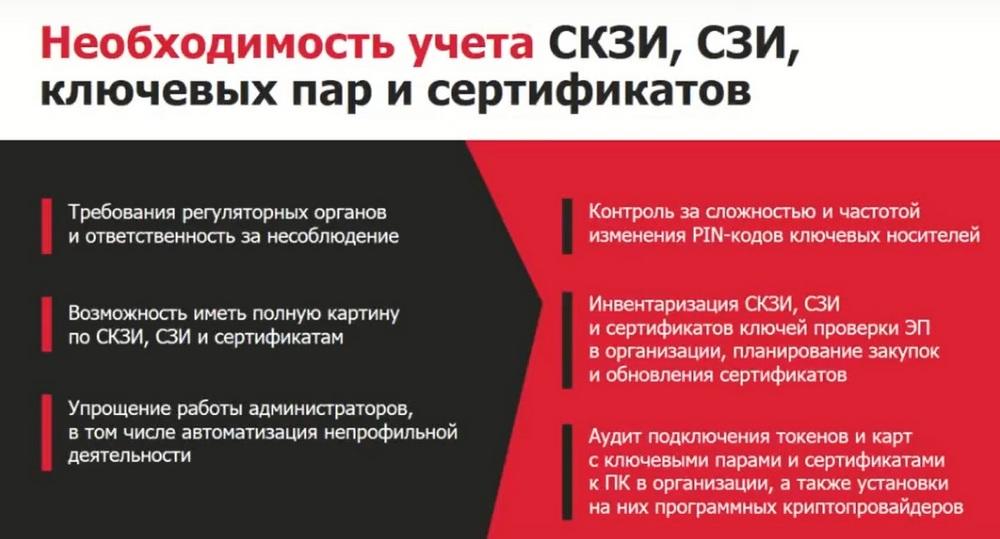
Plus, all these tokens and certificates need to be managed. You need to see if the certificate of conformity for the hardware cryptographic module has expired, see where the tokens are installed, where they were connected, to which machines, whether someone copied the key, if it is exported to the media, whether the certificate of conformity of the token or the certificate of the electronic signature key of the employee has expired. And Rutoken Base is engaged in all this. It allows you to manage secure key carriers from various manufacturers and other key carriers. We can detect keys in the Registry, in the file system, on USB flash drives, etc.
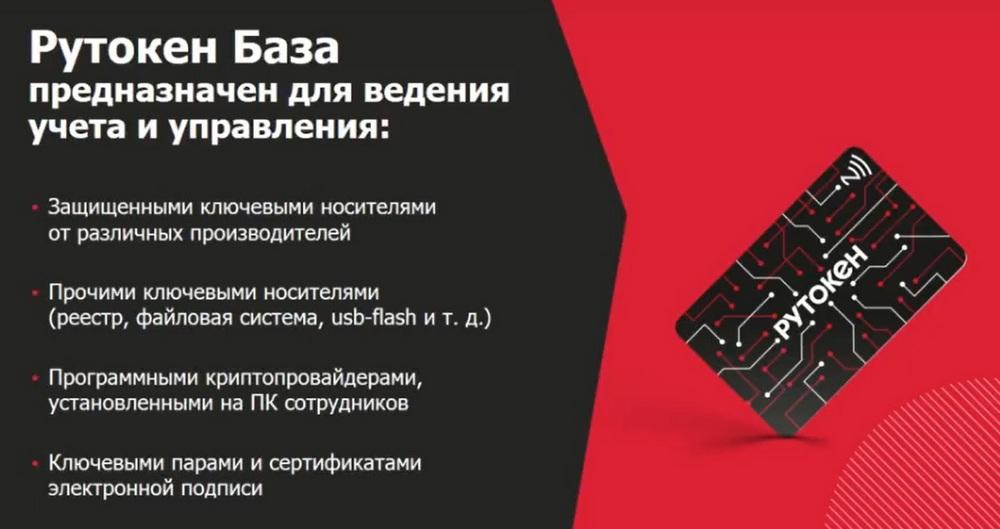
We can interact with software cryptographic providers. Few people know, but the keys that are created on tokens, or even on flash drives, if this is a key that will then be included in a qualified key certificate when checking an electronic signature, then this is also a CIPS, also a means of cryptographic information protection, which is subject to accounting. And it is usually not taken into account. And this is a potential threat of punishment from regulatory authorities. Plus, Rutoken Base allows you to perform management. It allows you to transmit commands or policies to tokens and perform, for example, blocking, initialization, etc. Rutoken Base is 100% for government organizations or companies with government participation. At the same time, Rutoken Base fits well into import substitution because the agents that are installed on workstations work under both Linux and Windows. And the servers only work under Linux. If a large percentage of employees use CEP (qualified electronic signature), then Rutoken Base is necessary here.