Translated with AI from the Russian original.
It is designed for corporate clients and offers enhanced hardware compatibility, modern deployment and update scenarios.
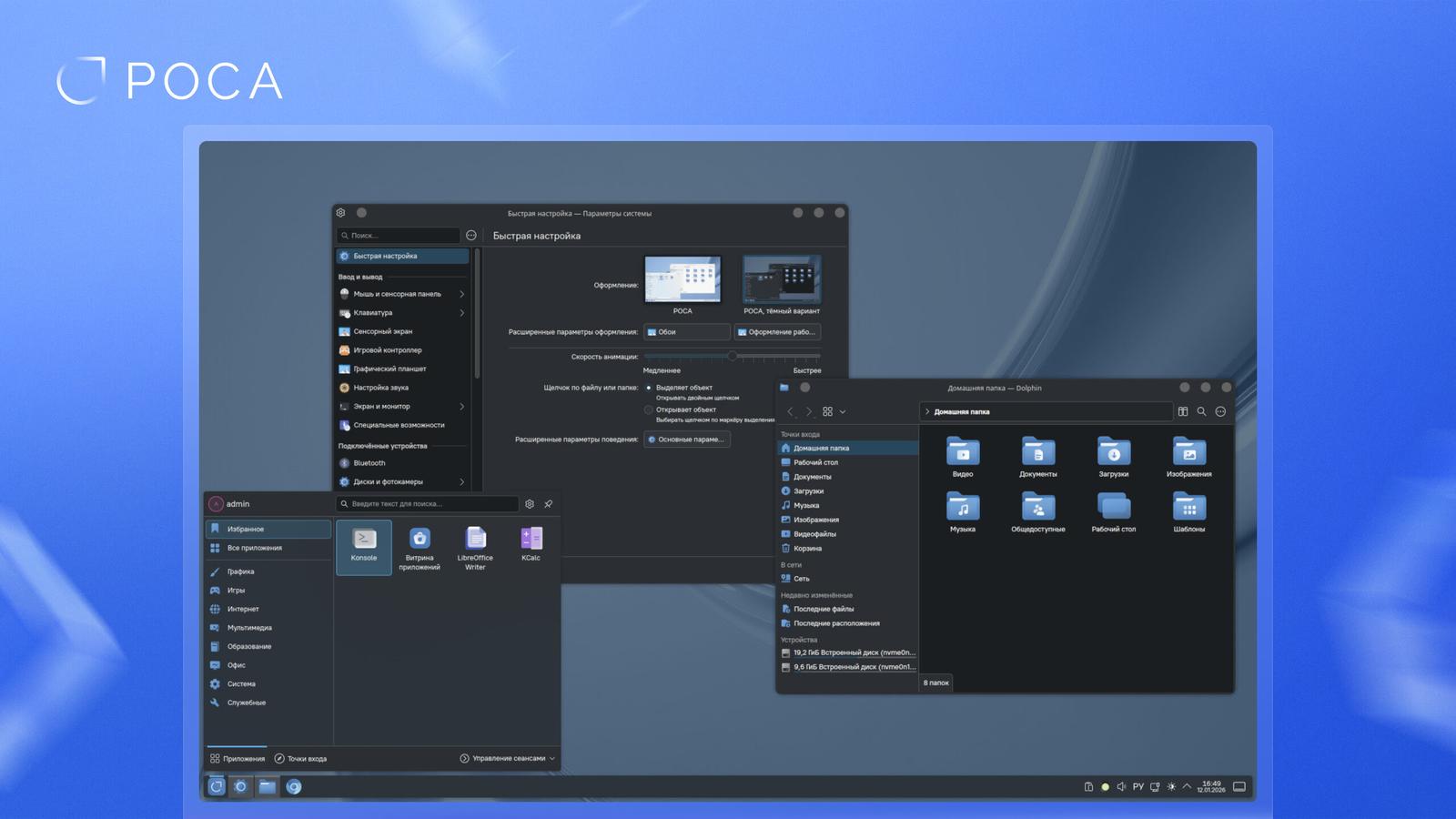
The ROSA 13 platform is a development of the ROSA 2021.1 package base used in ROSA "Chrome" 12. The new version updates system components: the standard C library glibc 2.40, tools for developing graphical applications GTK 4.21 and Qt 6.8, as well as the Wine 10 compatibility layer. This enables the assembly of modern programs and improves compatibility with third-party software.
Support for new hardware is provided by the Linux 6.12 kernel and the Mesa 25.1 graphics stack. KDE Plasma 6 is used as the graphical environment, featuring an updated interface and improved performance. KDE Plasma 5 is available for customers who prefer the familiar interface.
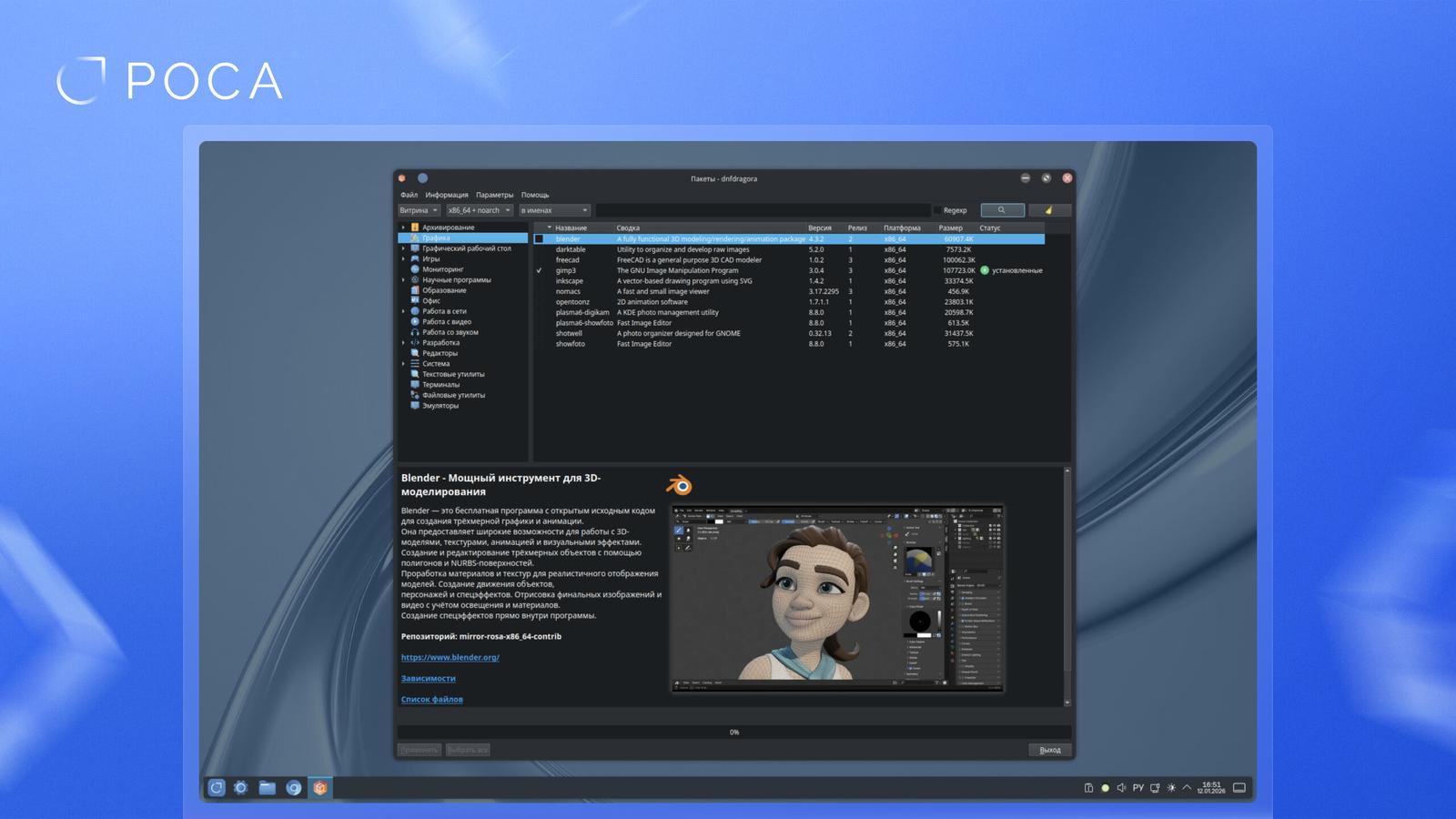
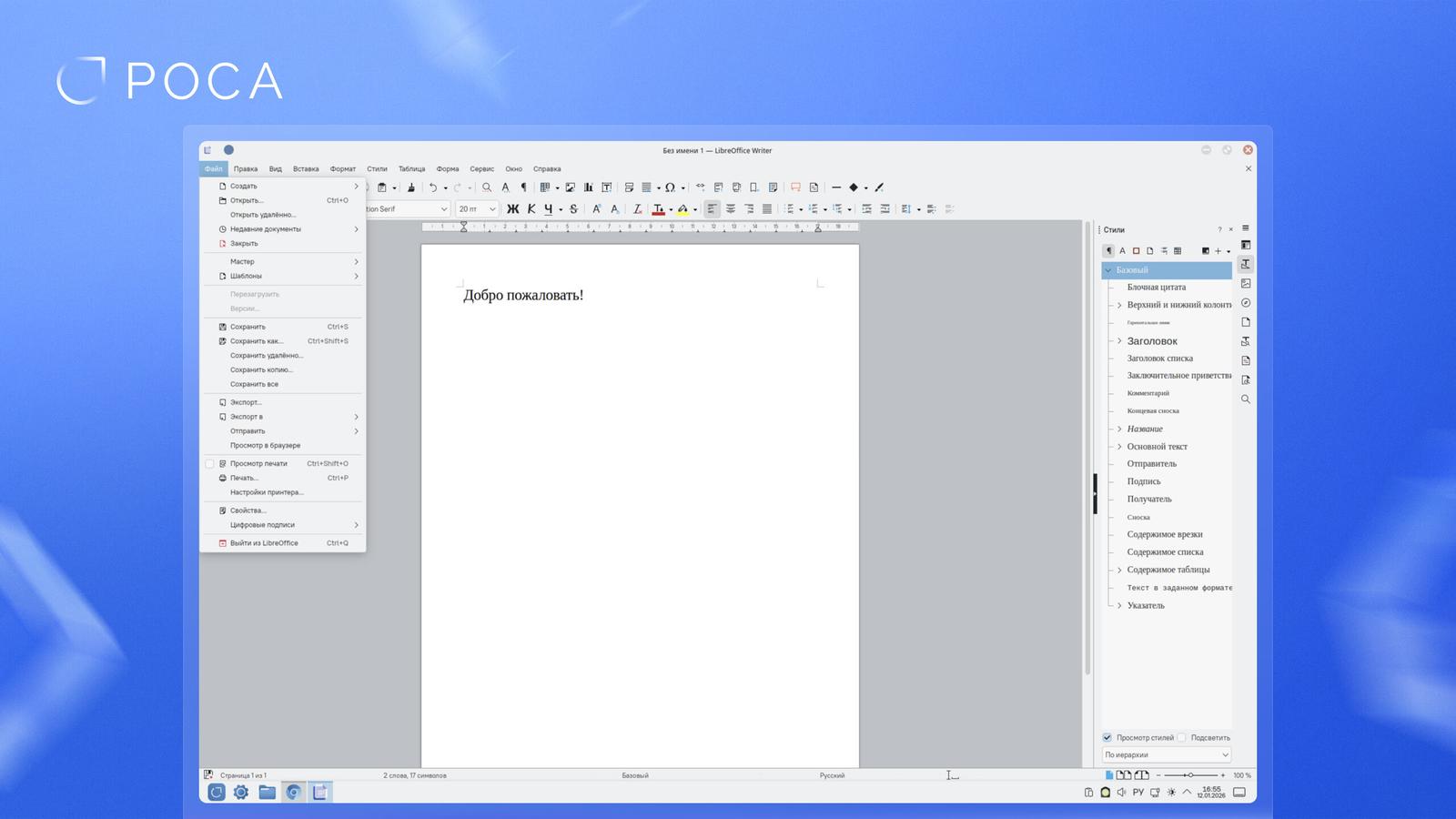
ROSA "Chrome" 13 is delivered as a ready-made workstation with design and settings adapted for the corporate environment. The distribution includes LibreOffice version 25.2.3, and also supports the installation of Russian office suites. User applications such as GIMP 3 and Kdenlive 25.08.3 are supported in the repository.
The new version features a redesigned graphical interface for the DNF package manager, simplifying the selection and installation of programs from ROSA repositories. Special attention is paid to deployment and update scenarios, including the ability to pre-install the system with user registration on first launch and support for updating from ROSA "Chrome" 12.