Translated with AI from the Russian original.
In Russian conditions, the popularity of PCs assembled by small local companies or in-house corporate IT departments continues to grow rapidly. Such solutions have historically been more popular in Russia than in other developed markets, but today new nuances have emerged in the segment's evolution, which we discussed with Karim LASKRI, Business Director of FSP Group in the CIS region.
Major global brand products, from global vendors to local companies that manufacture desktops on an industrial scale, drive the bulk of PC sales worldwide. Noname PCs—also known as custom, “self-assembled”, or DIY builds—are created by enthusiasts, gamers, small builders, and custom shops; in most regions, these products hold a small market share, but in Russia, it is quite the opposite. In the Russian market, noname PCs account for up to 45% of the market in unit terms, according to estimates by M.Video-Eldorado, DNS, Citilink, and other retailers. Products from major local system integrators (Aquarius, Graviton, and others), global companies entering the Russian market via “gray supply” channels or “parallel imports” (from Apple and HP to Dell and Samsung), as well as PCs from Chinese peers that are widely available on marketplaces, make up just over half of all PCs sold. The average price of a noname PC is lower than that of industrial solutions, which essentially makes these products popular amidst declining purchasing power among both consumers and Russian companies.

Why are noname PCs cheaper?
The answer is straightforward: the initial price of such a device does not include a markup for the manufacturer’s brand or proprietary services—ranging from warranty support across all Russian regions to preinstalled licensed Windows. This appeals to many categories of users, from individuals forced to count every penny to corporate clients of various sizes (from sole proprietors to companies with hundreds of office workers) who often switch their PC fleet to noname PCs to save money, sometimes buying them from small local builders and sometimes assembling them in-house.
Do they cut corners on components?
For assembling noname PCs, branded components are used in most cases. The processor, for instance, will be from Intel or AMD—for obvious reasons, a CPU cannot be noname! In most cases, the same holds true for motherboards, RAM sticks, storage drives, and so on. Even under extreme cost-cutting, those building such solutions understand the importance of choosing quality components from trusted manufacturers that offer both predictable quality and compatibility with other hardware, and in some cases, with widespread software. For the exact same reasons, builders of noname PCs now prefer to choose branded cooling fans, power supplies, and cases.
Can’t you cut corners on cases either?
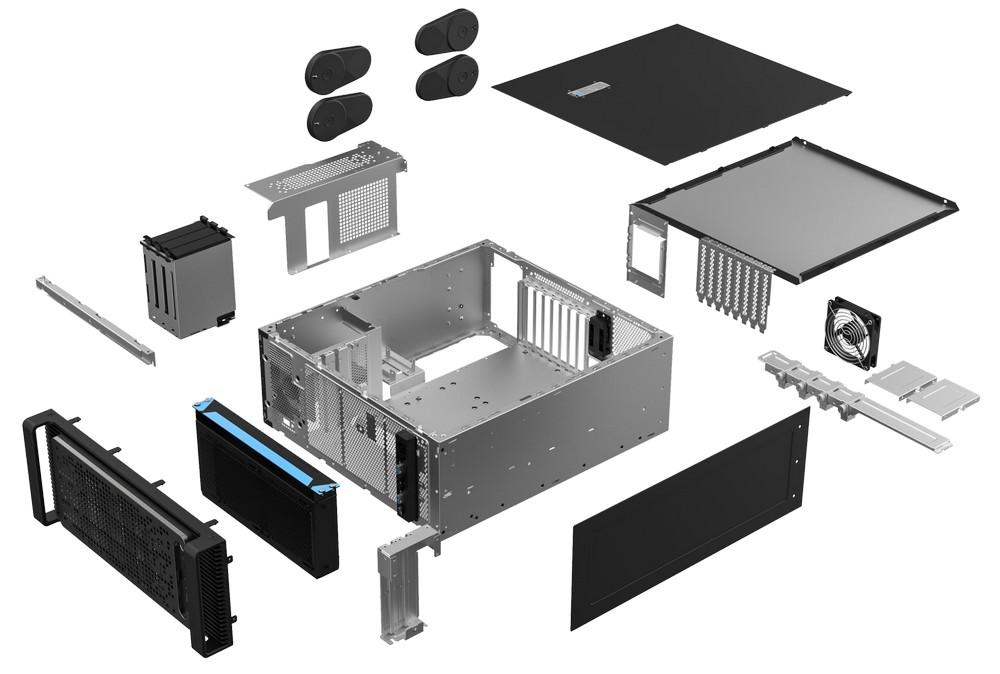
Today, a PC case is more than just a “box”: it is essentially a mini data center where computing resources live and work. Gamers and enthusiasts who build systems tailored to their needs and plan for future upgrades understood this long ago. Other noname PC users—from consumers choosing budget solutions to corporate customers needing office workhorses—are also beginning to realize this. A case must be well-built and look neat (at a bare minimum), as well as provide effective cooling (preferably even when interface cables and power cords are routed suboptimally by the builder). A case should also be easy to upgrade, which is often required to improve cooling in various ways—from installing additional fans to mounting liquid cooling systems.
Does this mean the main differences are not about external design at all?
The cases look great, as demonstrated by our new products. There are zero complaints about the modern black plastic design! But we are talking about technical features rather than the exterior, and things get even more interesting here.
What does an entry-level case look like?
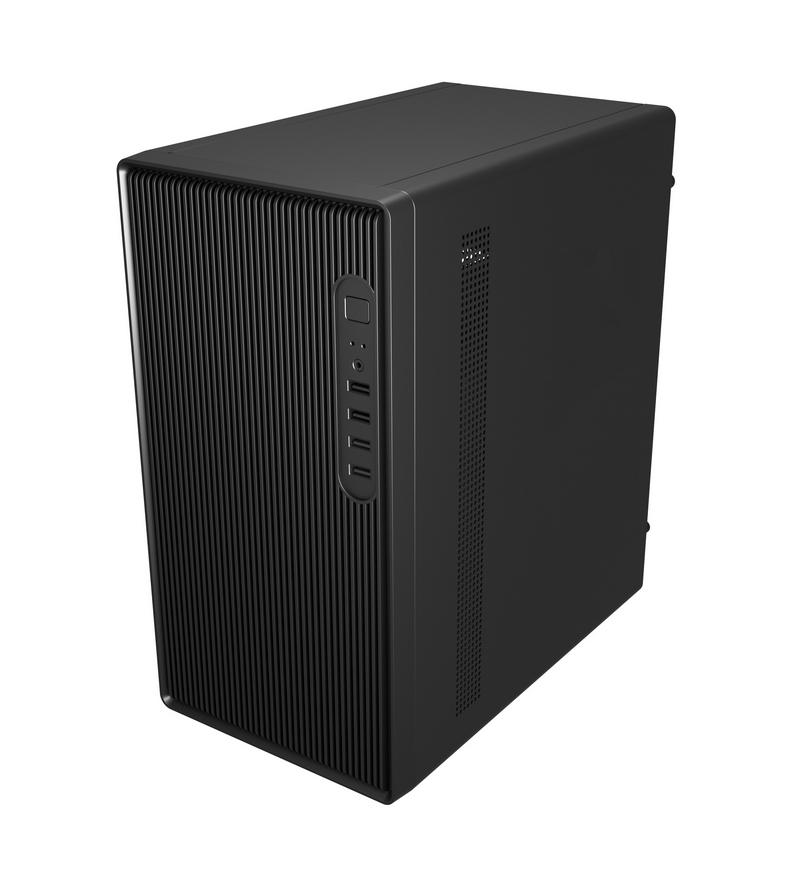
The new compact mATX model—the FSP S120-B case—is positioned as a solution for entry-level home or office PCs. The 20-liter mATX chassis can accommodate both entry-level and higher-performance setups—its capabilities allow the builder to fit components capable of handling mid-range computing workloads. The FSP S120-B supports Mini-ITX and Micro-ATX motherboards, broadening component options today and upgrade paths tomorrow. There will be no issues with cooling. The interior is spacious enough to ensure free airflow circulation. One fan is included in the package, but the chassis allows for the installation of two optional fans—front and rear. A CPU cooler up to 160 mm in height can be installed, which is more than enough for cooling under both entry-level and mid-range workloads.
What if you need a more spacious case?
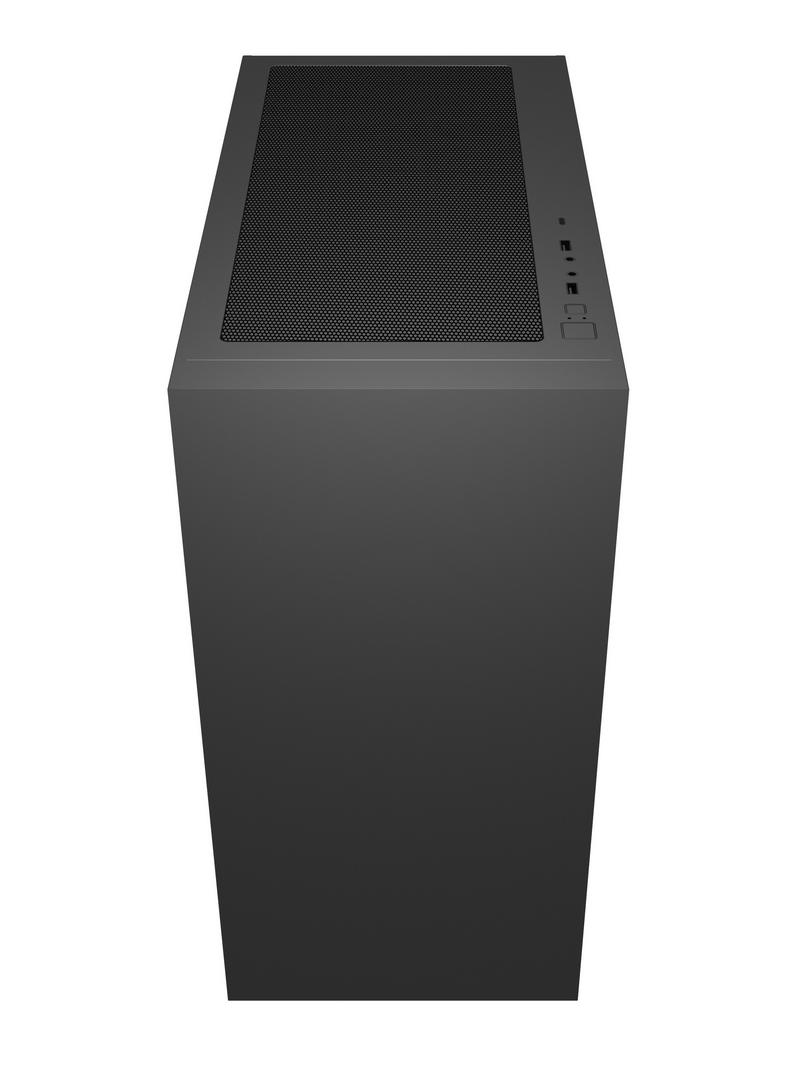
For high-performance flagship builds, such as professional workstations, we offer the FSP U530-BS case. This is already a Mid-Tower, a larger-volume chassis—53.3 liters—supporting a broader array of motherboard form factors: ATX, Micro-ATX, Mini-ITX, as well as SSI-EEB and E-ATX. Inside, you can easily fit a graphics card up to 375 mm in length. There are naturally more expansion ports and slots than in the previous model. Four fans are included as standard equipment. While there can only be one rear fan, you can additionally install up to three fans each at the top and the front. A dedicated CPU cooler up to 175 mm in total height can be mounted. Liquid cooling installation is also supported. Among the notable features of the FSP U530-BS that deserve special mention, I would highlight the included two-piece dust filter. This component is essential for a high-performance system in this case: standard cooling fans will push large volumes of air through it, and in real-world environments, air unfortunately carries a fair amount of dust. It is much better for dust to settle on the filter than coat PC components, hindering heat dissipation.
So it turns out that system-wide stability depends on the case?
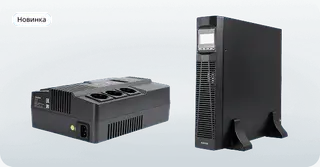
Yes, the key to stable PC operation—just like any electronics—is maintaining the optimal thermal envelope. Our engineers dedicate a lot of effort to enabling this, providing builders with flexible installation options for cooling components. Notably, we also offer other IT components—from power supplies to uninterruptible power supplies (UPS)—that might seem “ordinary” at first glance, but upon closer examination showcase compelling innovative solutions. But that is better discussed separately.