The focus of the "MyOffice" 3.4 release is on desktop editors, which have received significant updates: from the interface to expanded capabilities for efficient work with texts, spreadsheets, and presentations.
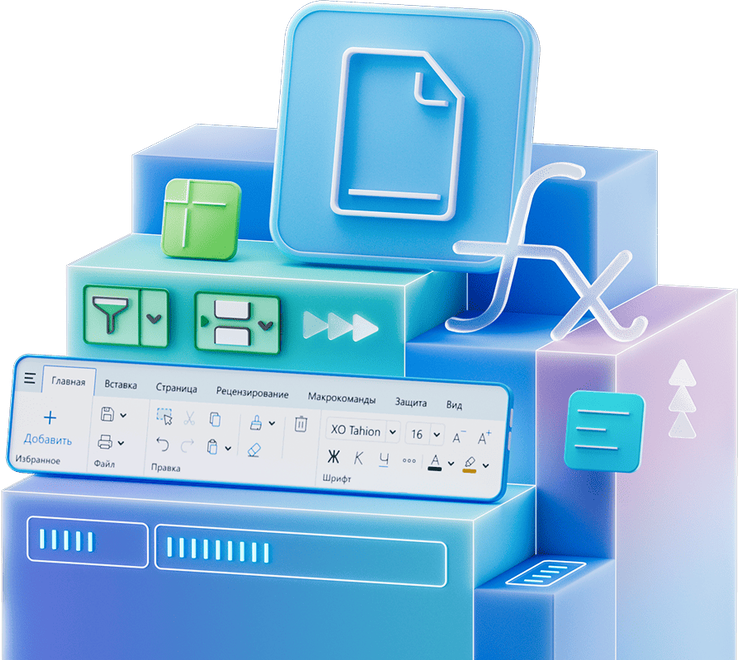
As the company stated, the document editors, previously known as "MyOffice Standard", now offer a more modern approach to creating and editing files. The updated editor interface has become more intuitive and user-friendly.
All tools are grouped by topic into tabs on the toolbar, while maintaining a contextual approach - the main tab automatically displays available actions for the currently selected object. File actions, settings, and help are now collected in a separate unified section, which will continue to evolve in future updates.
The new quick actions system allows you to instantly find the commands you need through the search box. Access to frequently used functions is simplified: with one click, you can open recent documents with the location folder and date of the last modification, enable review mode in the text editor, or enter "Documents Online". The titles of the editor windows display the type of the current document.
In "MyOffice Table", a function wizard has appeared, helping to correctly fill in arguments, find errors, and check calculations. New hotkeys (for example, [Ctrl]+[Shift]+[L] to instantly apply a filter) speed up working with data. In addition, it has become easier to manage filters in the editor - all active filters can be reset with one action, and cell formatting can be quickly cleared.
In "MyOffice Text", it became possible to customize the numbering of headings according to GOST 19.106 - with or without a dot, with the ability to disable it for any level.
The updated architecture provides increased performance even when working with large documents and/or heavy loads.
Now on home