A smart monitor is a device that can be used independently of a computer. This capability is provided by the integrated webOS operating system: it suggests various user scenarios, such as watching content in online cinemas or performing tasks for work or study. MyView devices can be used both as monitors with the "Smart TV" function (there is no TV tuner in the models) and as regular computer monitors.

The 34SR65QC model in the LG MyView line is equipped with a 34-inch display and a wide range of functions for work and entertainment. The curved smart monitor is designed for customers who value solutions for improving workflows and deep immersion in content. The 21:9 aspect ratio, resolution of 3440 x 1440 pixels, and brightness of 300 cd/m² ensure clear image reproduction at a wide viewing angle and 95% coverage of the color space, making the 34SR65QC model an excellent assistant for office workers, developers, and other specialists in the field of digital technology.
High resolution contributes to efficient user work. This is thanks to useful screen organization functions and support for home office applications: you can simultaneously display multiple tabs and windows on the screen, conveniently placing them using the built-in screen splitting function. In addition, the monitor provides remote access to PC and cloud PC, as well as many Home Office services — all without a computer. The increased width allows you to work with applications in full-screen mode, but you will always have space for useful AI tools that can be placed in a smaller window on the right side of the display.
With the 34SR65QC monitor, you can feel like a direct participant in what is happening on the screen, creating a cinema at home. The model allows you to view content in the 21:9 format as it was intended and supports streaming videos shot in this format.
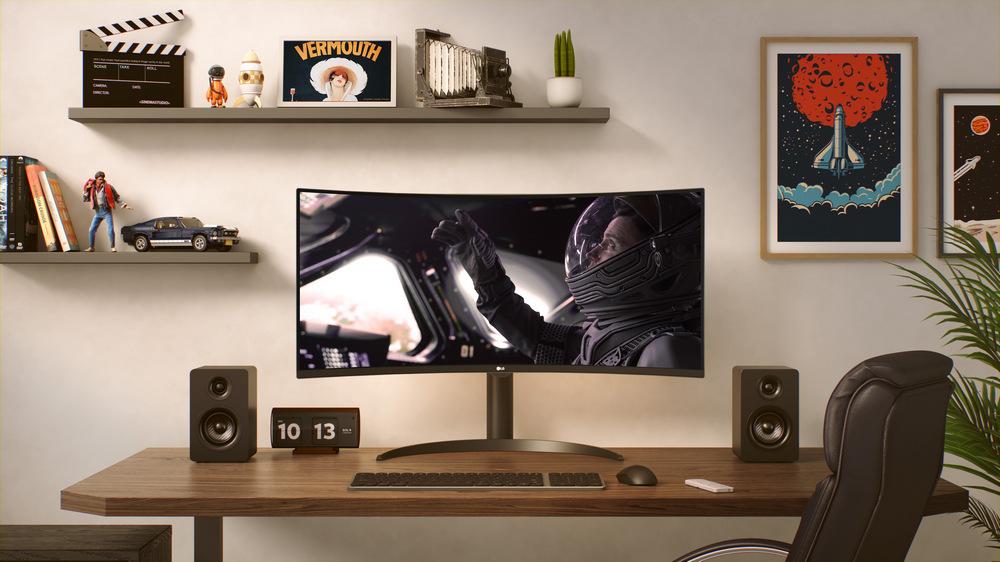
Like other LG MyView smart monitors, the 34SR65QC model is equipped with an operating system LG webOS with intuitive navigation for personalized content recommendations and viewing on built-in streaming services. And thanks to AirPlay 2 (for Apple devices) or Screen Share (for Android devices) functions, you can easily transfer content from your smart device to the monitor. The model comes with a convenient remote control for remote control of power and volume, but is also compatible with the LG Magic Remote (sold separately) — you can control operation and play your favorite content using voice commands that support voice recognition technology using AI.
The monitor can be connected to the LG ThinQ application to turn your smartphone into a remote control and use basic functions such as turning on and off, changing channels, and searching for content. And to make it even more convenient, you can manage monitor settings and navigate and search in webOS using a keyboard and mouse.