The developers paid special attention to analytical scenarios.
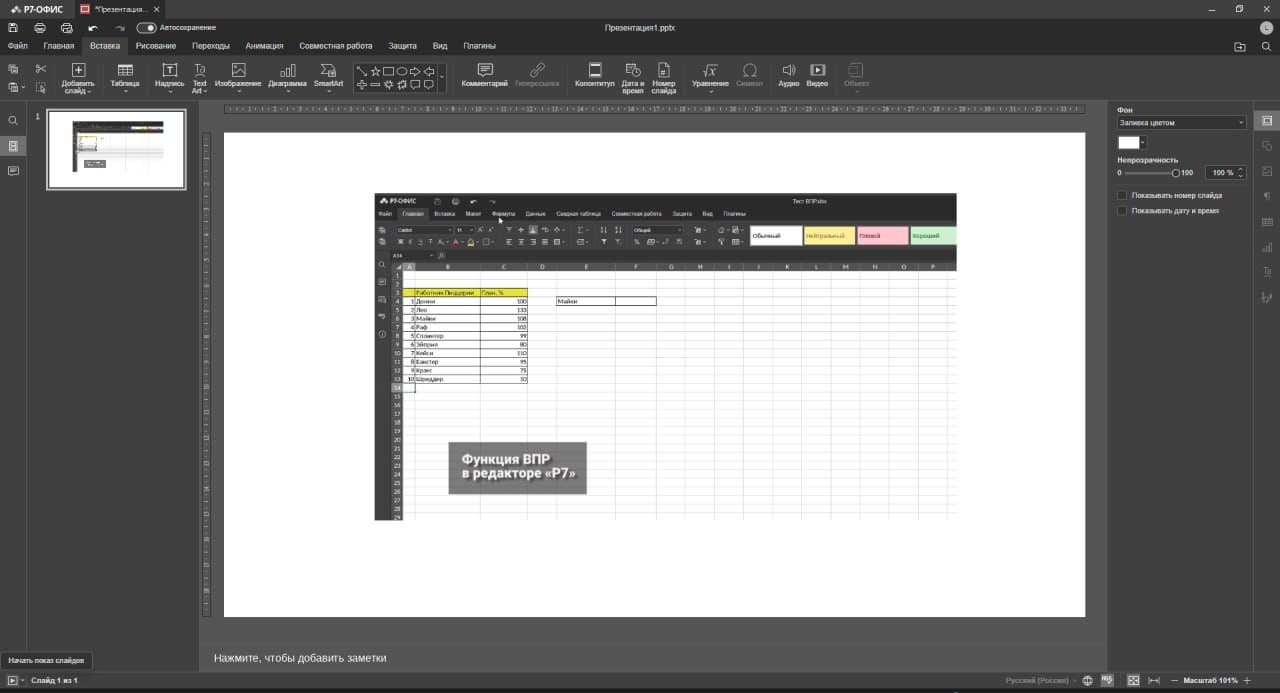
The "R7 Office" team presented an update to desktop editors with new features for working with presentations and tables. Now you can use GIF animation in presentations, which makes slides more dynamic and visual. The table editor has the ability to change the width of chart columns, which helps to more accurately display data and place emphasis when preparing analytical reports.
Special attention is paid to analytical scenarios: the function of detailing empty cells is implemented in pivot tables. When you double-click on an empty cell, a regular table opens, in which you can enter data and configure analytics. To update the pivot table, just right-click and select "Update".
The ability to rename smart tables has also been added, which increases their functionality. Now you can manually set the name of the table by selecting cells and selecting "Table" on the "Insert" tab.
The update includes improvements and optimizations related to the text editor, presentation editor, and tables. Improved stability when working with files of common formats, eliminated errors when importing and opening CSV, XML (SpreadsheetML) documents. The mechanism for exporting .pptx files has been improved and security has been increased by eliminating XSS vulnerabilities.