R7 has released an update to “Corporate Server”, introducing new tools for tracking document changes, managing access, and monitoring IT infrastructure.
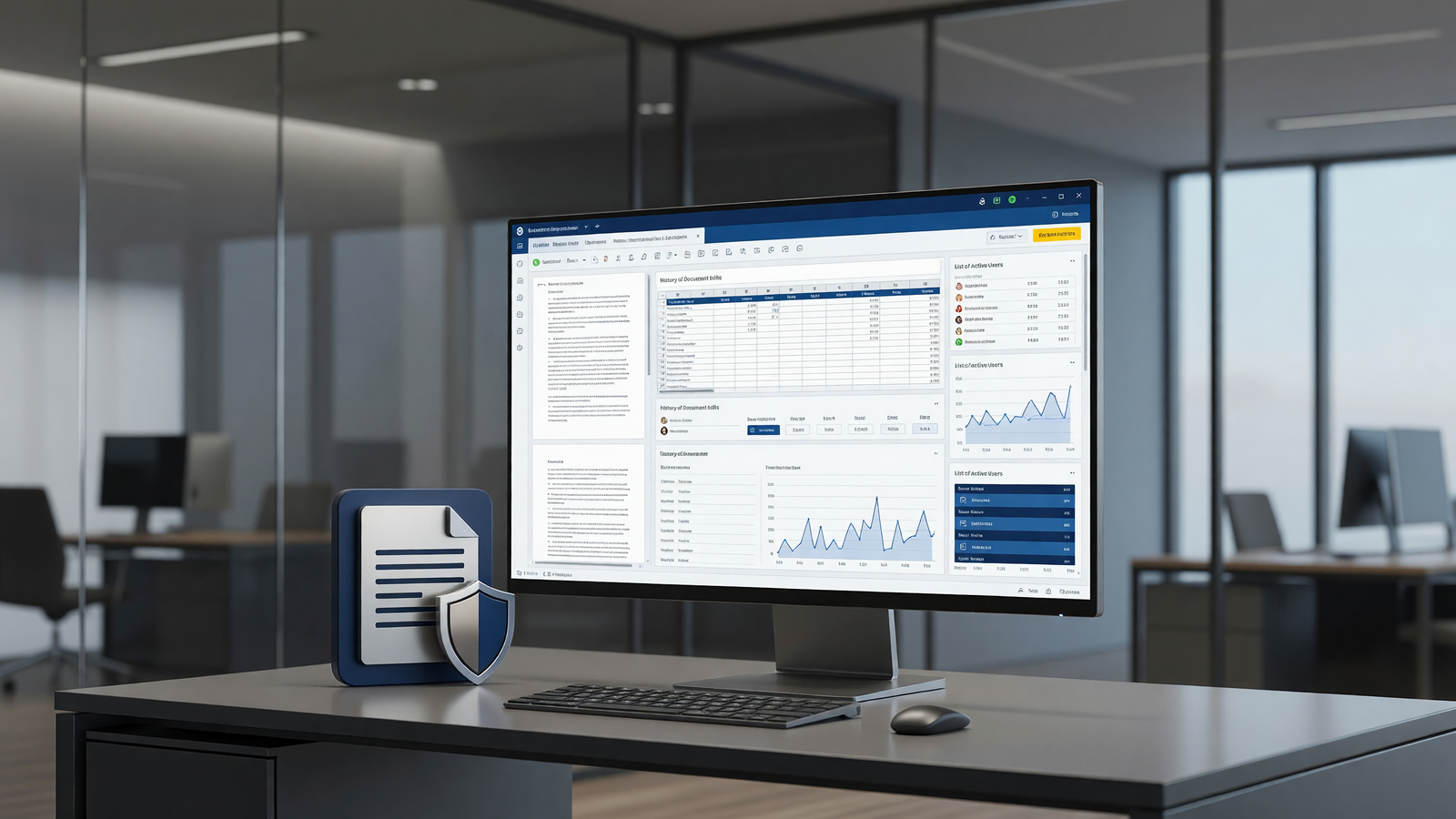
The administrative module now includes a history of user actions with files, including co-edited documents. This will make it possible to find out who made changes and when. Security settings have been consolidated under the “Policies” section: here, administrators can set rules for data retention, file uploads, and document access. Different conditions are provided for employees within the corporate network and external users. If multiple rules apply to a file, the system selects the strictest one.
Another new feature is the “System status” widget. It allows monitoring the operation of services, disks, message queues, and search indexes via the web interface, as well as updating the indexes without connecting directly to the server.
Account administration has also been simplified: user import from CSV files, bulk data editing, and automatic creation of mail accounts during LDAP synchronization were added.
R7-Disk now features subscriptions to file and folder changes with notifications sent via email and in the Notification Center. Shortcuts for documents, folders, and web pages have also been added, and search has been supplemented with filters by name and owner.
In the mail module, attachments can now be collapsed into a separate block, and documents in supported formats can be viewed directly within the email without downloading.